Facets can import data in many different file formats, but some of these require that the file-format's originating software be launched to decode and transmit the data to Facets. This can be a slow process. So we see messages such as:
Waiting for imported datafile ...
This wait can be avoided on subsequent analyses of the same dataset if the data is saved in Facets format, and then accessed directly.
Example: Guilford.txt is has a data file in Excel format.
|
with data in Creativity.xls |
|
Analyze Guilford.txt |
Notice the "Waiting" message ... |
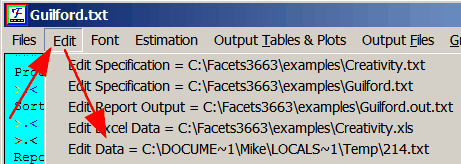
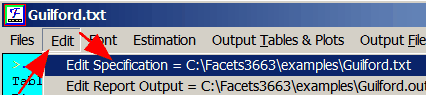
Edit menu
Edit Data = |
|
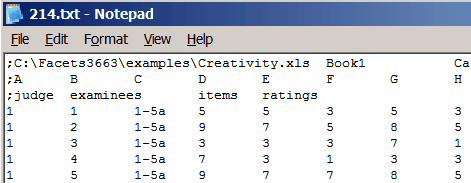
The contents of the temporary file are the values imported from Creativity.xls |
|
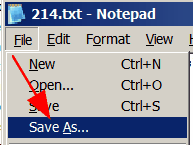
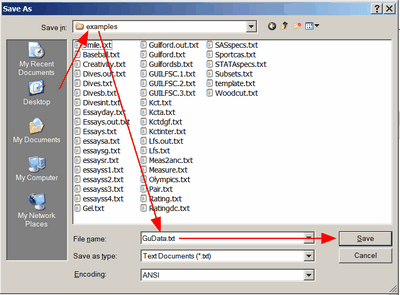
"Save as" |
|
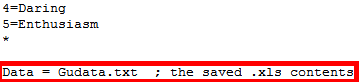
GuData.txt in the same folder as Guilford.txt |
|
Facets Edit menu
Edit specification file |
|
Change the name of the Data= file
then Save it |
|
Next analysis of Guilford.txt |
Very fast processing with saved data in Gudata.txt |