Reading in a pre-existing control file is easy. You can add or change control specifications, and add or change the data.
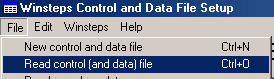
From the Setup screen, use the File pull-down menu:
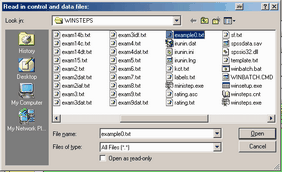
Select your desired pre-existing control or data file:
This fills in the Setup screen:
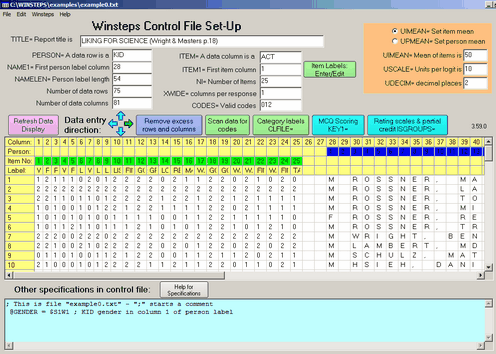
The control specifications and data are those in the Control and Data file. Control values are filled in as far as possible. The data are filled in with one row per data record and one character per data column.
To see the item labels (between &End and END LABELS in the Control file) either drag the column wider or click on "Item Labels Enter/Edit"
Item deletion: type the specification:
IDELETE=(item number)
into the box at the bottom of the data setup screen.
This omits the item from your analysis

